If you're trying to get better job costing out of your accounting system, one of the first things you'll want to get set up correctly is your cost codes.
A cost code is basically a consistent way to identify what type of work or cost a transaction belongs to. Instead of only knowing that you've spent $400,000 on a project, your cost codes can help show how much of that was framing, electrical, plumbing, roofing, flooring and the other parts of the job.
When you're comparing your actual costs back to the original estimate or budget, this is quite useful.
How Cost Codes Help With Job Costing
Let's say you estimated $50,000 for framing on a project.
If your purchase orders, subcontractor bills, material purchases and other framing costs are all assigned to the same framing cost code, you can eventually compare what you budgeted to what you actually spent.
Maybe the framing ended up costing $57,000. Now you know you're $7,000 over budget in that area and can look into why.
That information can also help you on the next project. If you're regularly going over budget on framing, electrical or another part of the job, you may need to adjust how you're estimating or pricing that work.
The important part is that your estimating and accounting systems are using the same general cost-code structure. If your estimator calls something framing but your bookkeeper is putting those costs somewhere completely different, the reports aren't going to be very useful.
Setting Up Cost Codes in QuickBooks
If you're using QuickBooks Online, the way to organize this is through Products and Services.
For example, a custom home builder may have a category called 3100 Framing, with more detailed Products and Services underneath it for framing labor, framing materials, trusses and other related costs. Those Products and Services can then be connected to the appropriate direct-cost accounts in QuickBooks.
This can give you much more job-cost detail without needing to create hundreds of separate accounts on your Income Statement.
It also becomes important if you're using construction software such as Buildertrend or JobTread. Both programs can connect their cost codes to the Products and Services in QuickBooks, allowing the same general coding structure to follow the transaction between your project-management and accounting systems.
What Cost Codes Should You Use?
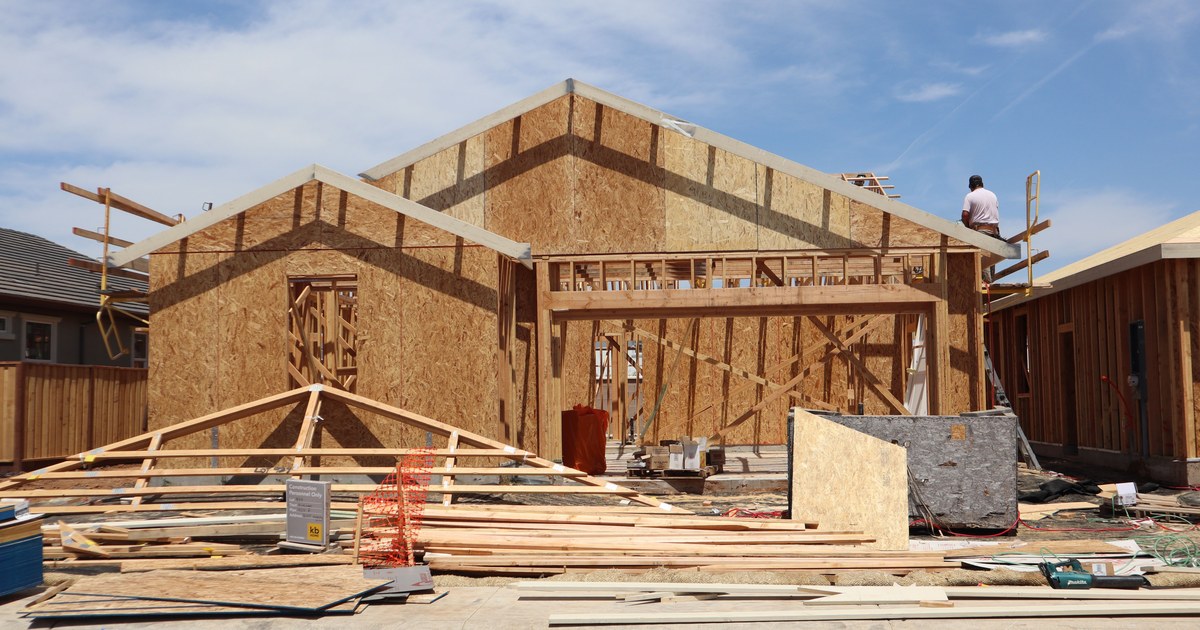
It depends on the type of contractor you are. A custom home builder has to track a lot of different parts of a project. You may have permits, site work, excavation, concrete, framing, roofing, rough plumbing, rough electrical, drywall, cabinets, flooring, finish work, landscaping and quite a few other categories.
For that type of company, an NAHB-style cost-code list can be a good starting point. You don't necessarily need every code on the list, but it gives you a structure that follows the different stages of building a home.
A specialty contractor is different. A commercial electrician, for example, doesn't need hundreds of cost codes for roofing, cabinets, plumbing and landscaping. A MasterFormat-based list may make more sense, starting with Division 26 for electrical work.
You could then have codes for things such as power distribution, wiring and cabling, lighting, emergency power, grounding, electrical controls and testing. If your company also performs communications, low-voltage or security work, you may use portions of the related divisions as well.
Ideally, you'd create a list that reflects the work your company actually performs.
Try Not to Make It Too Complicated
It can be tempting to track everything, but the problem is that if you create too many codes, your team may not know which one to use. Once transactions start getting coded inconsistently, the extra detail isn't helping much.
Once you've settled on the structure, keep it consistent between estimating, project management and accounting. If you update the list, make sure everyone who uses it knows what changed.
Summary
Cost codes are really just a way to organize the financial details of each job so you can see where the money actually went.
When they're set up correctly, you can compare your estimates to your actual costs, review which parts of a job went over or under budget, and use that information to prepare better estimates on future projects.
The exact list will be different for every construction company. A custom home builder may need a fairly broad NAHB-style structure, while an electrical or other specialty contractor may only need a focused set of codes based on the work they perform.
The important part is keeping the list useful, consistent and connected across the systems your company uses.
Know someone who should read this?